E Ink calm
Paper-like display that’s easy on the eyes. No backlight glare, no endless tabs, just the page in front of you.
E Ink · Distraction-free · Open
LilyWrite is a purpose-built E Ink drafting device for writers who want Freewrite-level focus, without the locked ecosystem or the $500 price tag. Bring your own keyboard. Draft offline. Sync with a QR code.
Zero AI. 100% you. Paper-like calm for the words that matter.
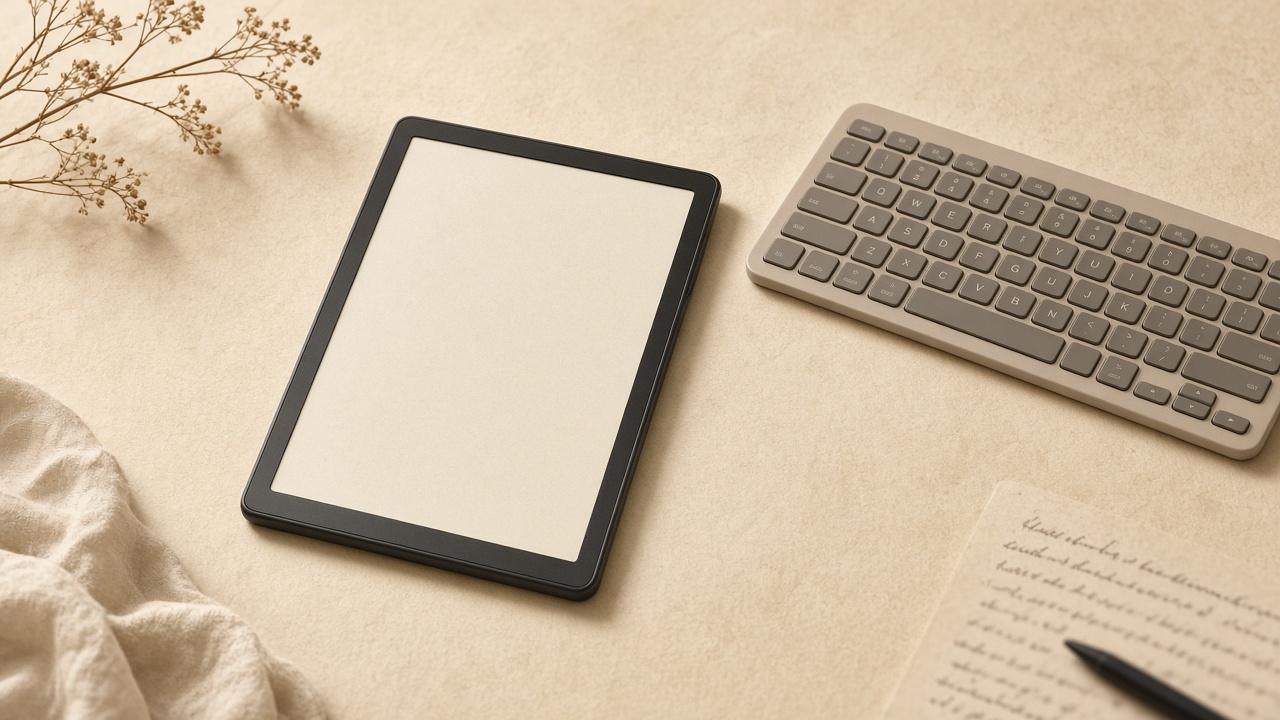
LilyGO T5 E-Paper S3 Pro · ESP32-S3 · your BLE keyboard
“Weapons of mass distraction live in your laptop. LilyWrite leaves them behind.”
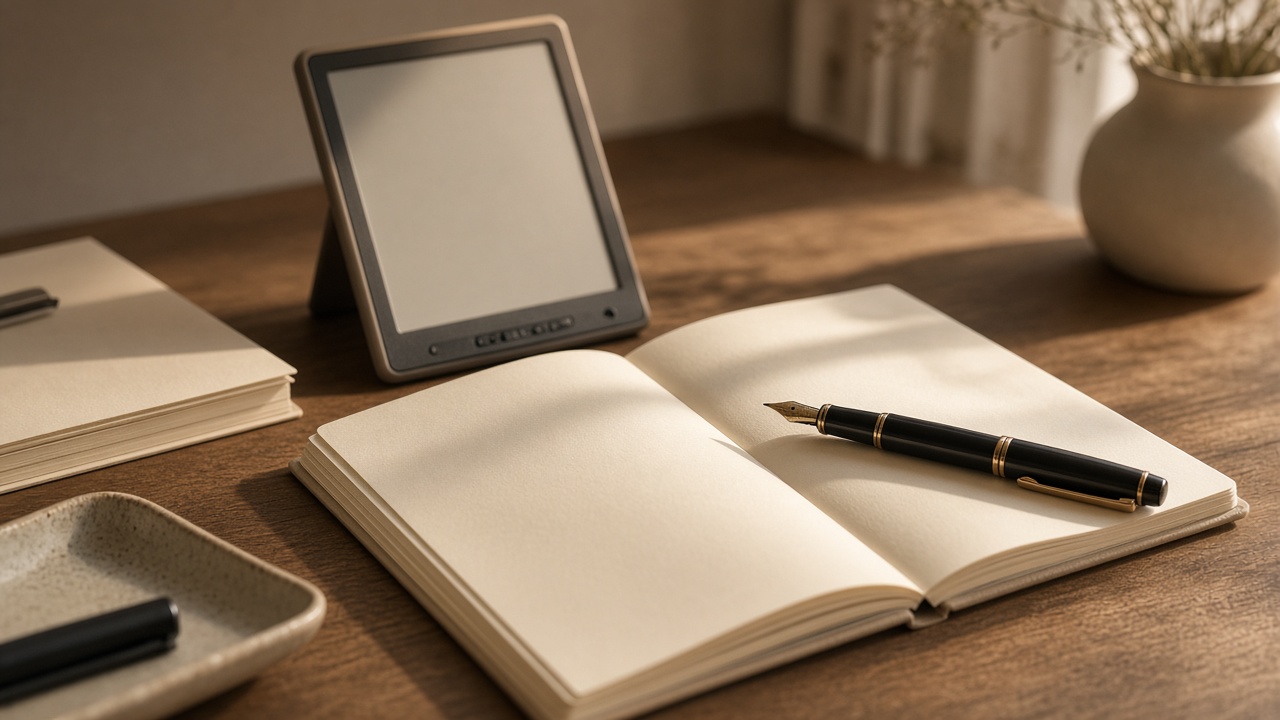
Everything writers love about a dedicated device, without the lock-in. Same promise of flow. A fraction of the closed-stack cost.
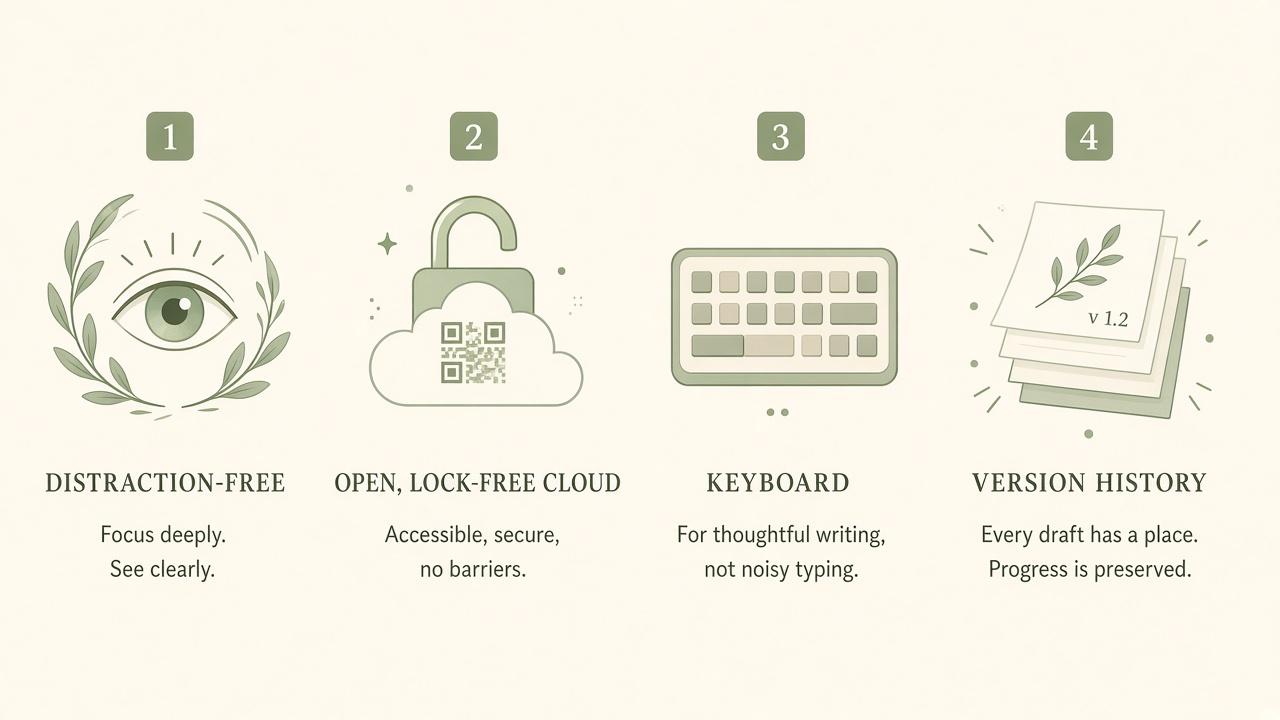
Paper-like display that’s easy on the eyes. No backlight glare, no endless tabs, just the page in front of you.
Separate drafting from editing, like Freewrite. Write forward on the device; revise later in any browser.
Pair the BLE keyboard you already love. You’re not locked into one expensive built-in board.
The device generates a GUID. Scan the QR, a capability URL opens your draft. No account required.
Every sync keeps history. Recover earlier drafts without hunting through cloud folders.
Write anywhere. Sync when Wi‑Fi is ready. Multi-file drafting on device, your manuscripts travel with you.
Power sleep and wake with a standby logo on the e-paper, the device rests like a notebook on your desk.
Transparent hardware you can understand, not a closed premium stack. Focused enough to just write.
A fraction of the cost of $500+ closed devices like Freewrite Traveler. Focus without the luxury tax.
From boot to browser in four quiet steps. No signup wall between you and your words.
Power on. The e-paper greets you with calm, standby logo when you sleep, ready page when you wake.
Pair your BLE keyboard. Draft across multiple files. Stay in flow, no email, no notifications, no AI autocomplete.
When Wi‑Fi is up, the device shows a QR for your GUID URL. Scan it. Your draft is live, no login.
Open the link in any browser. Review version history. Edit, export, keep writing. A capability URL, not an account cage.
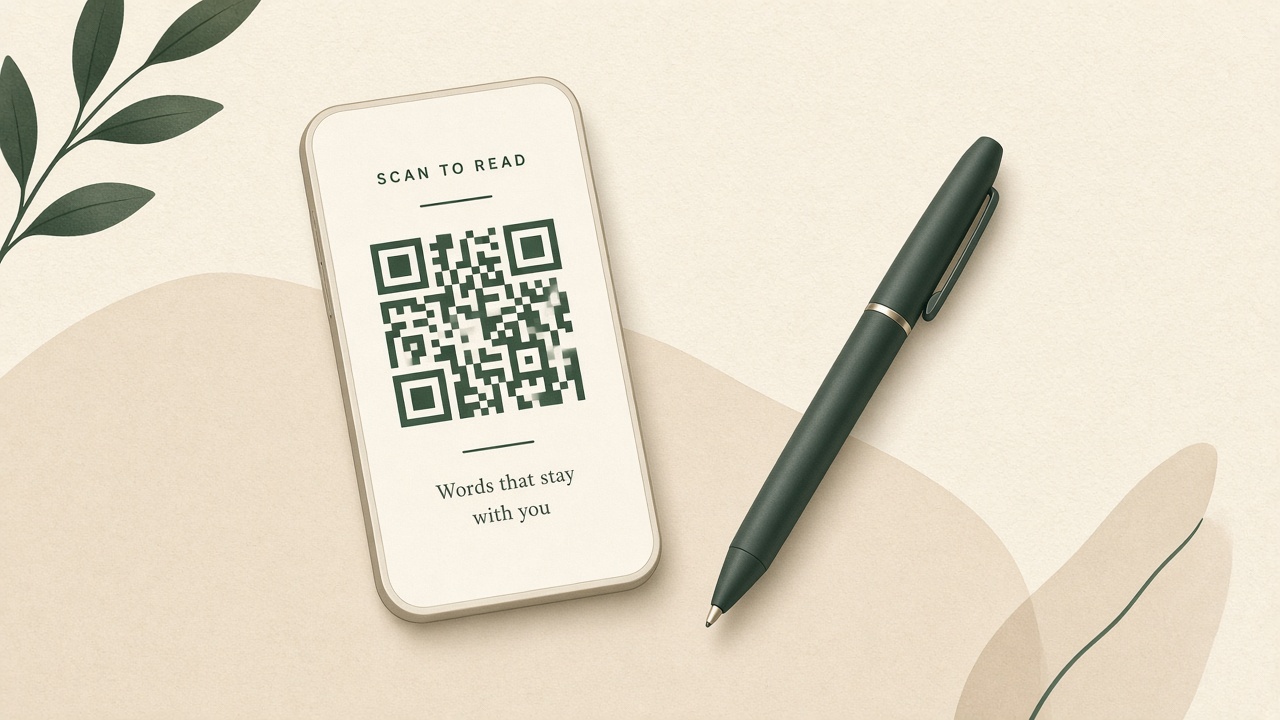
Step 03 · Sync
When Wi‑Fi is up, the device shows a QR for your GUID URL. Scan it, a capability link opens your draft in any browser. No account, no Postbox cage.
Treat the URL like a secret notebook. Anyone with the link can reach that draft; history travels with every sync.
Same distraction-free intent as premium E Ink writers, without locking you in or pricing you out.
| Capability | LilyWrite | Freewrite-class | Laptop |
|---|---|---|---|
| Distraction-free E Ink drafting | Yes | Yes | No, tabs win |
| Draft vs edit separation | Yes | Yes | You must enforce it |
| Cloud sync without account | GUID + QR | Postbox account | Various logins |
| Built-in version history | Yes | Via cloud folders | If you set it up |
| Bring-your-own keyboard | BLE, your choice | Built-in only | Yes |
| Open / hackable device | Transparent stack | Closed premium | Open-ish |
| Price story | Writer-first | ~$549 Traveler-class | $0 if you already own one, and all its noise |
Sample testimonials for layout, labeled until real voices land.
“I drafted three chapters on a train without opening Slack once. The QR sync meant my laptop was just an editor, not a trap.”- Maya R., novelist (sample)
“Freewrite’s focus was right. The price and the locked keyboard weren’t. LilyWrite kept the calm and let me use the board I already owned.”- Jordan K., essayist (sample)
“Version history saved a paragraph I thought I’d lost. No account gymnastics, just a link from the QR on the device.”- Sam T., journalist (sample)
Straight answers. No invented battery-week claims.
No. The device generates a GUID. The QR opens a capability URL, anyone with the link can reach that draft. Treat the URL like a secret notebook.
Bring-your-own BLE keyboards. You’re not locked to a single expensive built-in. Pair what you already like typing on.
No. Zero AI on the drafting surface. 100% you, the same single-purpose promise writers seek from dedicated devices.
Same distraction-free E Ink intent and draft-then-edit flow. LilyWrite adds no-login QR sync, version history, BYO keyboard, and an open hardware story, at writer-first pricing instead of $500+ closed hardware.
Built around the LilyGO T5 E-Paper S3 Pro (ESP32-S3). Open enough to understand; focused enough to just write.
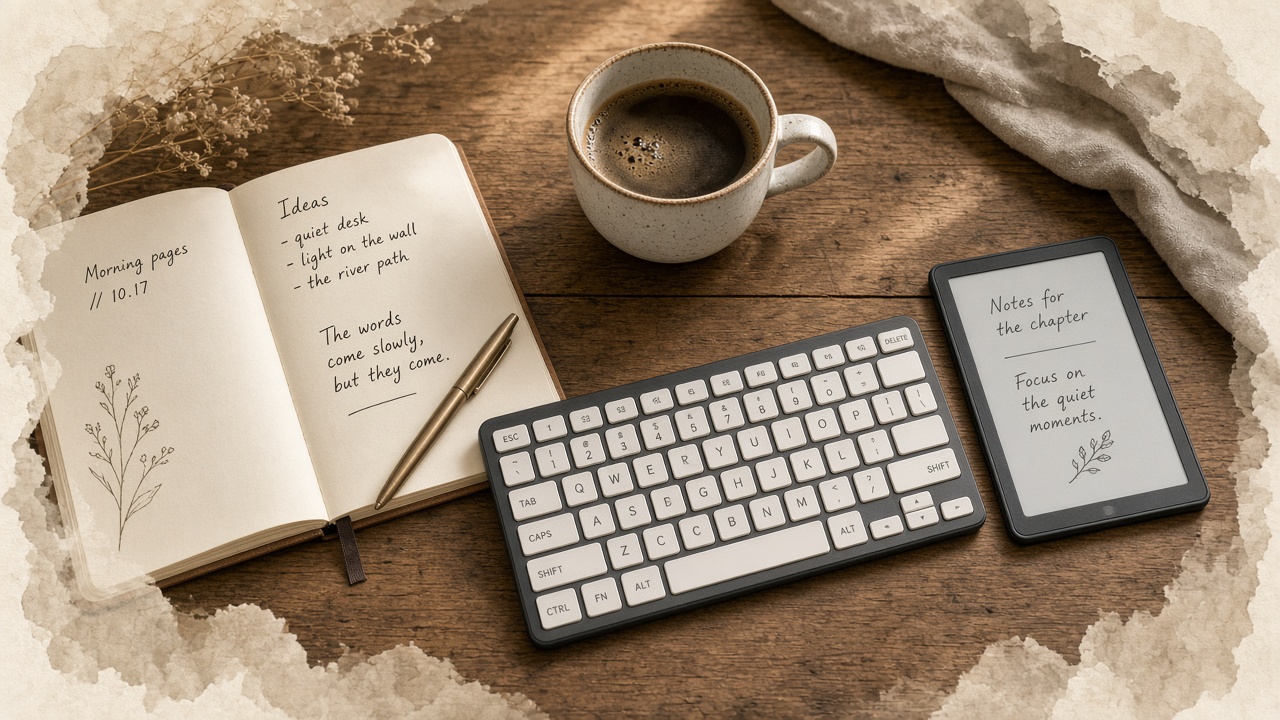
Single-purpose E Ink. Your keyboard. Your words. Sync with a scan. LilyWrite is the quiet desk you can actually afford to keep.